oosVersion 2.1
Support
Support
Support
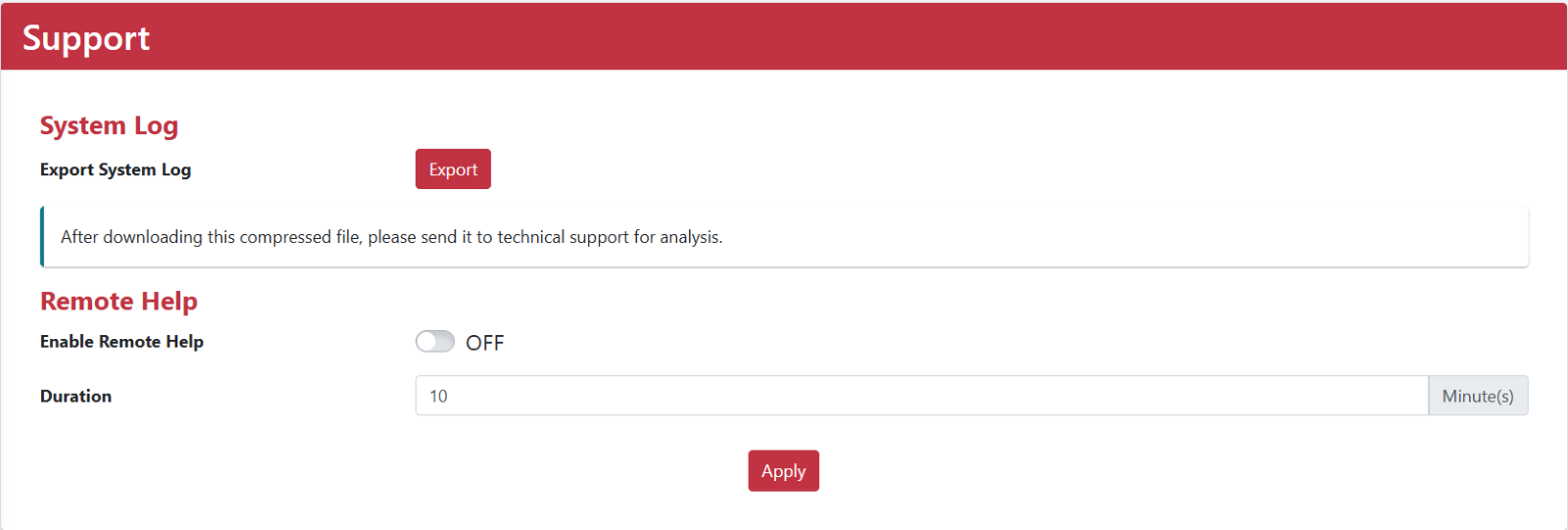
The Support section provides system logs and a remote assistance function.
System Logs
To help diagnose a technical issue, download the compressed system log file and send it to the support team for analysis.
Remote Help
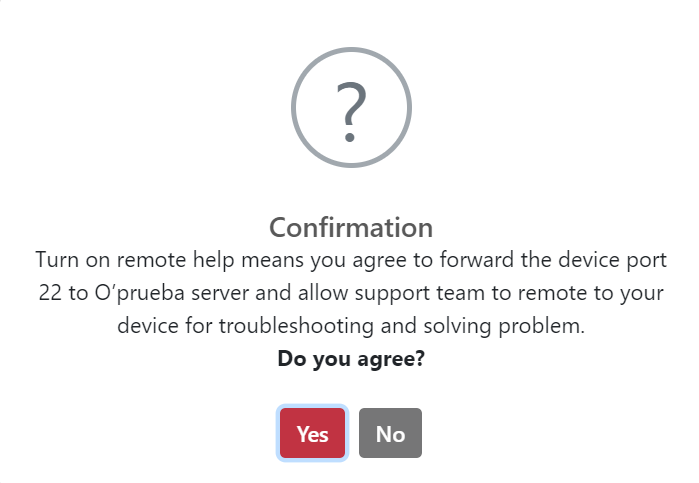
Enabling Remote Help means that you agree to forward an OOS port to the O'Prueba server and allow the support team to access your OOS remotely for troubleshooting. Disable Remote Help after the support session is complete to reduce potential security risks.
- Go to Settings > Remote Help.
- Enable Remote Help and enter the access duration.
- Click Apply. In the confirmation dialog, click Yes to accept the statement.
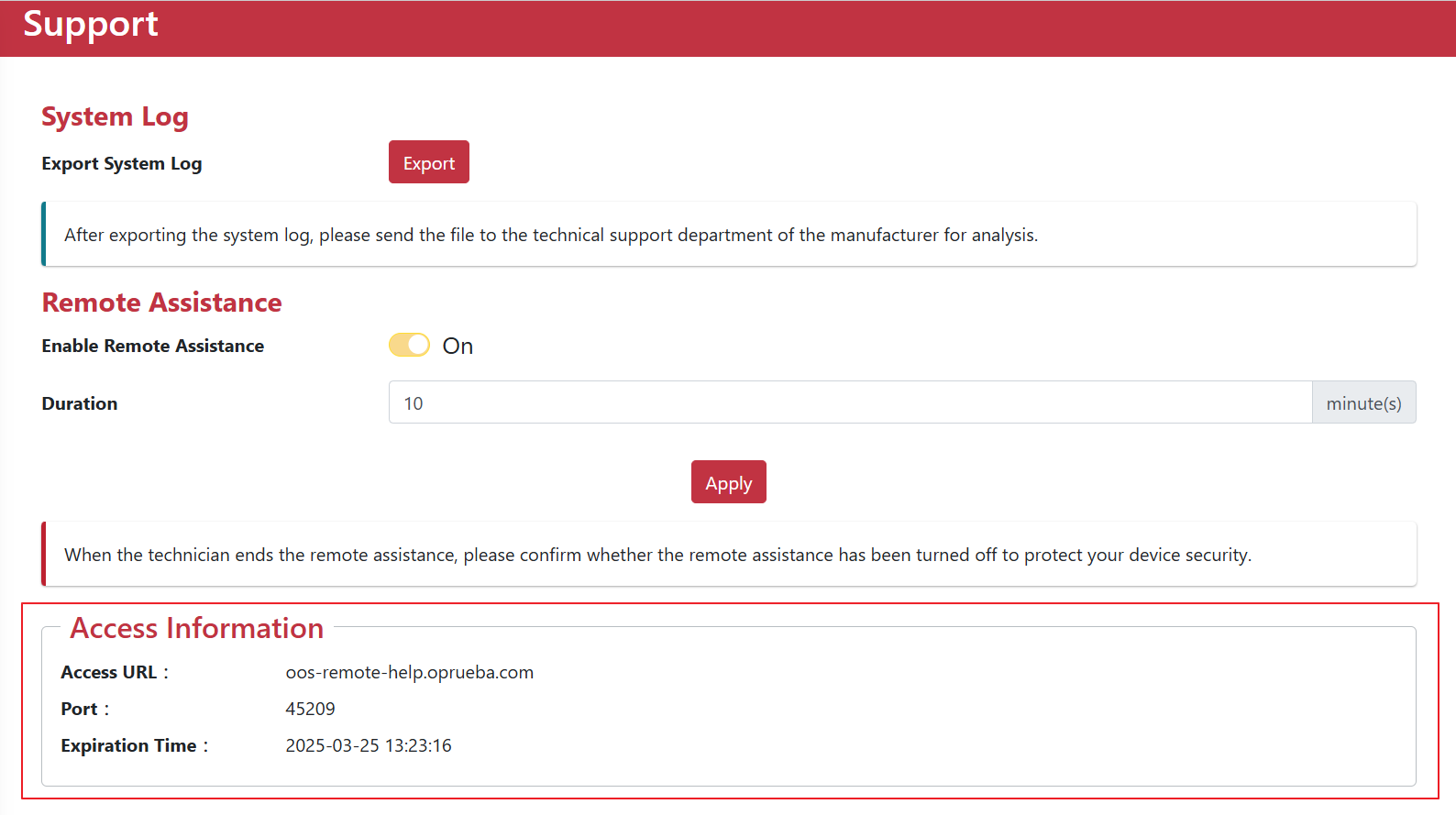
- View Access Information and check the URL and port.
- The support team receives the access information by email.