oosVersion 2.1
Ping
Use Ping to check network connectivity
Ping
Ping sends packets to a specified IP address and waits for a response to determine whether the target is reachable. It also measures round-trip time and reports errors.
Use Ping
- Go to
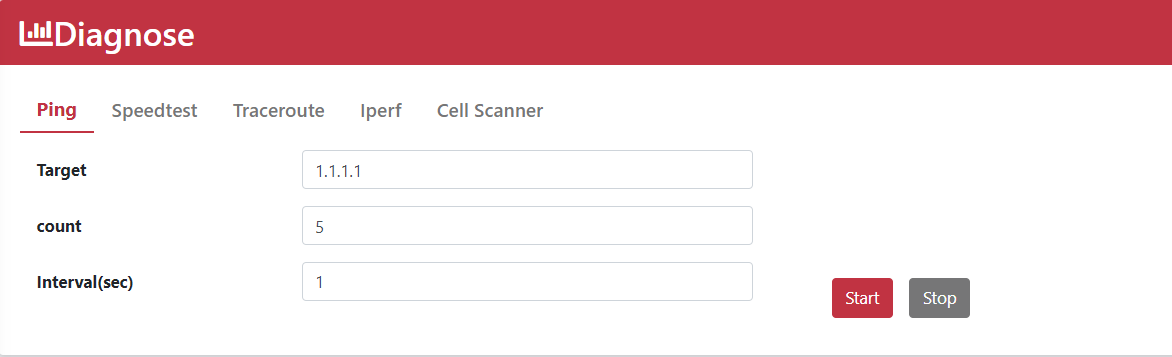
Diagnose > Ping. - Enter the IP address
1.1.1.1or the domain namegoogle.com. - Set Count to
5. - Set Interval (sec) to
1. - Click Start.
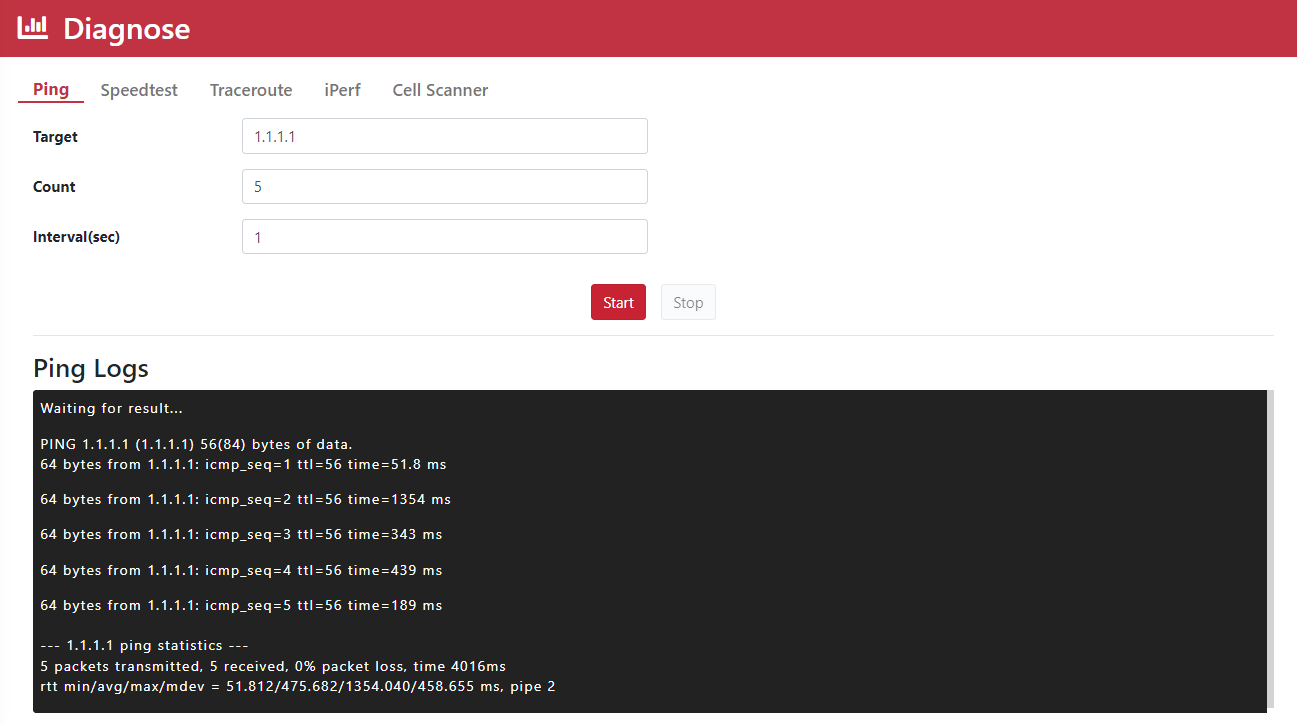
- Review the Ping logs.