oosVersion 2.1
Traceroute
Trace packet routes and per-hop latency
Traceroute
Traceroute follows packets from the device to an internet host. It shows the number of hops required to reach the host and the time taken by each hop, revealing possible paths and transit delays across an IP network.
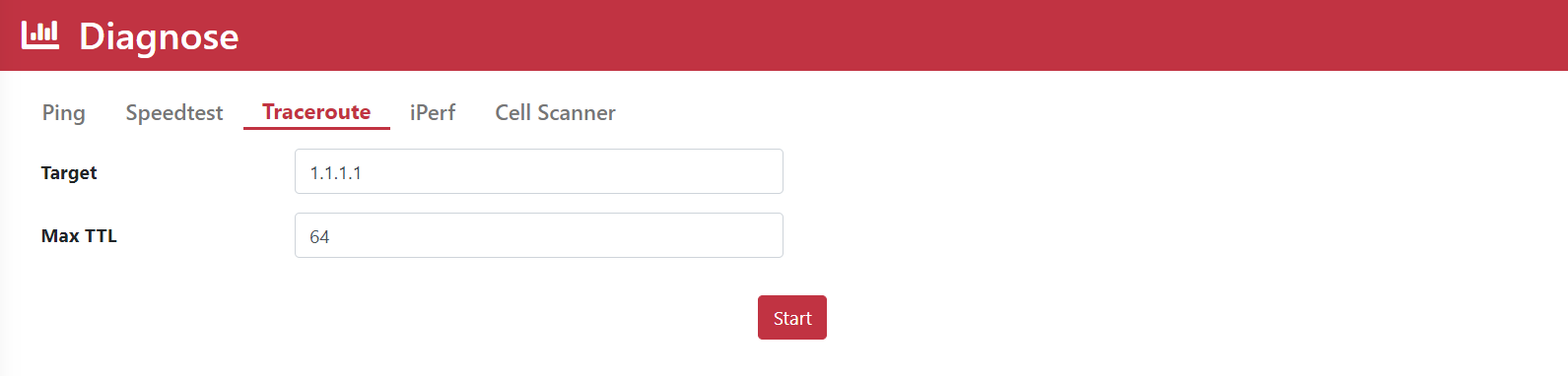
Use Traceroute
- Go to
Diagnose > Traceroute. - Enter the IP address
8.8.8.8. - Set Max TTL to
10. - Click Start.
- Review the Traceroute logs.
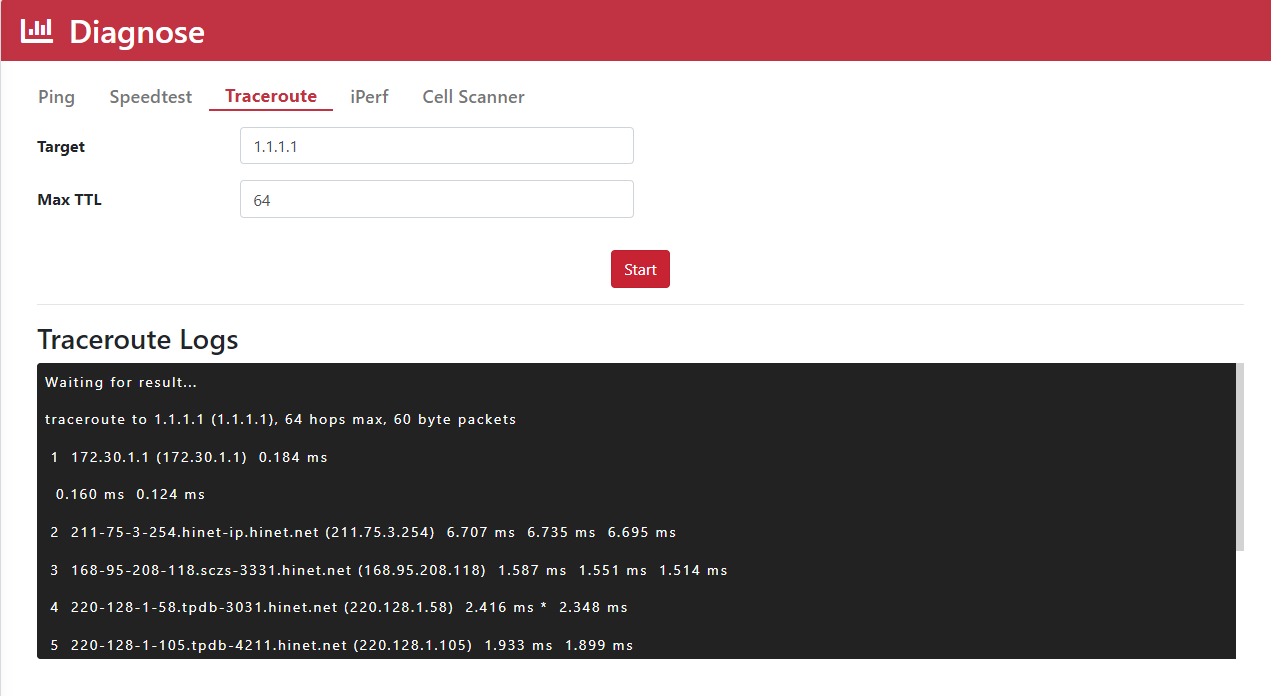
| Name | Description |
|---|---|
| IP Address | The IP address or domain name to test, such as 8.8.8.8 or google.com. |
| Max TTL | TTL (Time to Live) indicates how long data can remain in an IP network. Each hop decreases a packet's TTL by one. |