orphelinkVersion 1.1.4
Provision
Learn how to provision and onboard OrpheAgent devices to OrpheLink for centralized management.
The Provision page allows you to quickly onboard OrpheAgent devices to OrpheLink for centralized management.
Provisioning Steps
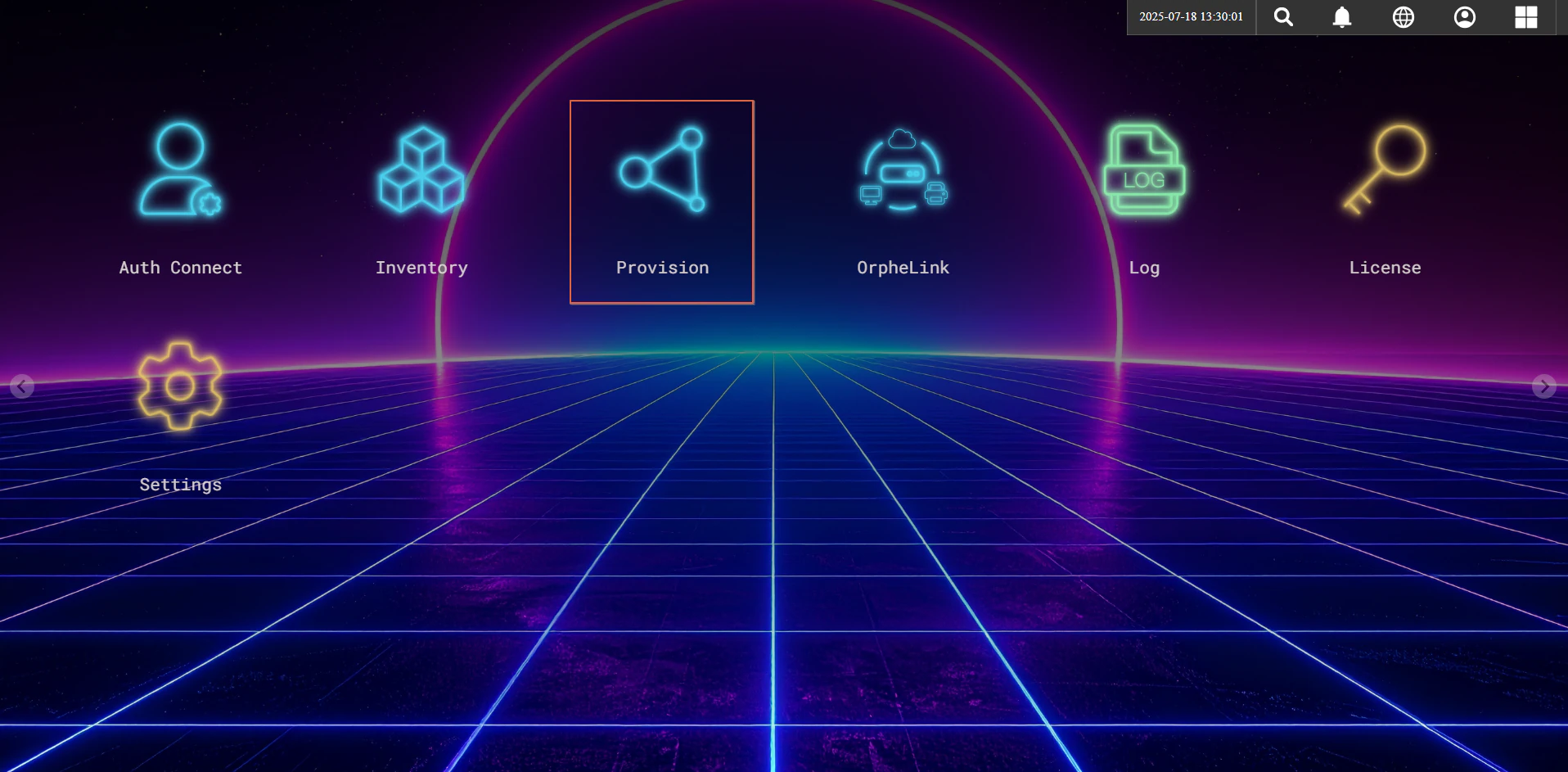
- Navigate to the Provision section on the OrpheLink interface.
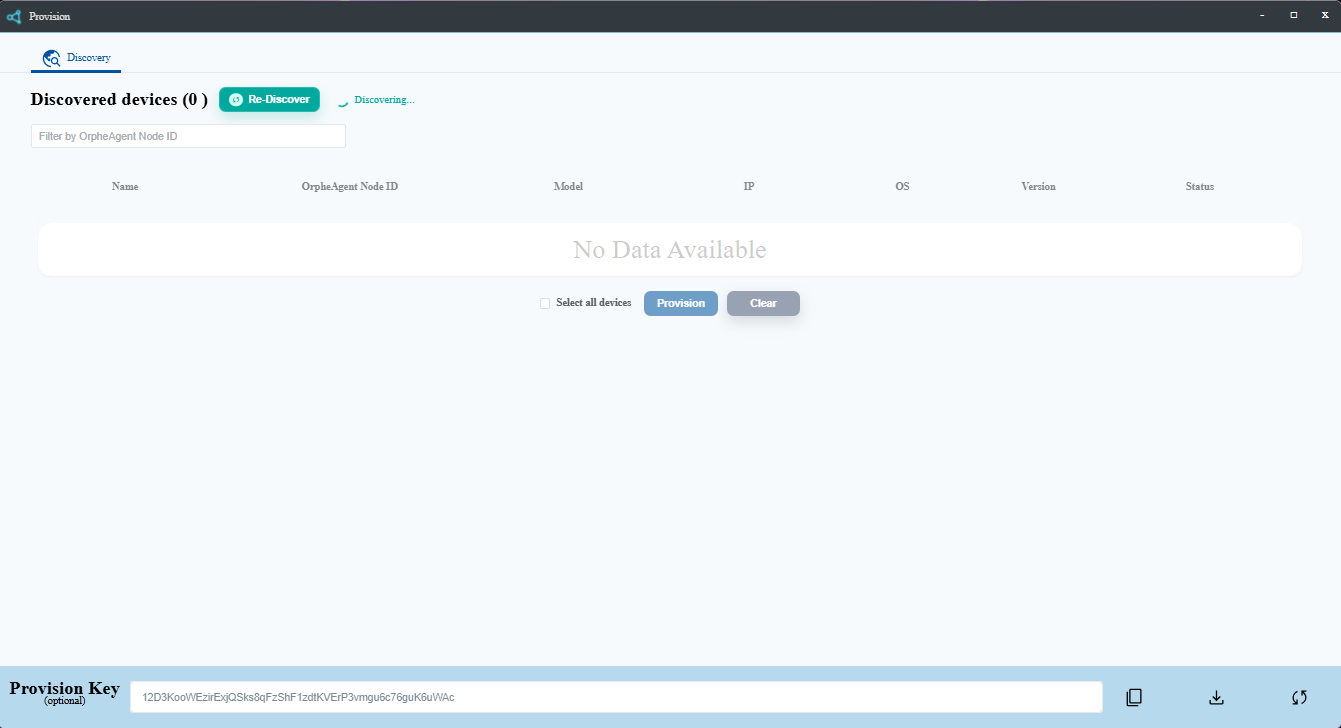
- Generate and copy a new Provision Key for your device.
- Log in to the OrpheAgent device and apply the Provision Key based on the OrpheAgent type:
- Return to the OrpheLink Provision page and click Re-discover. The new OrpheAgent will appear in the device list.
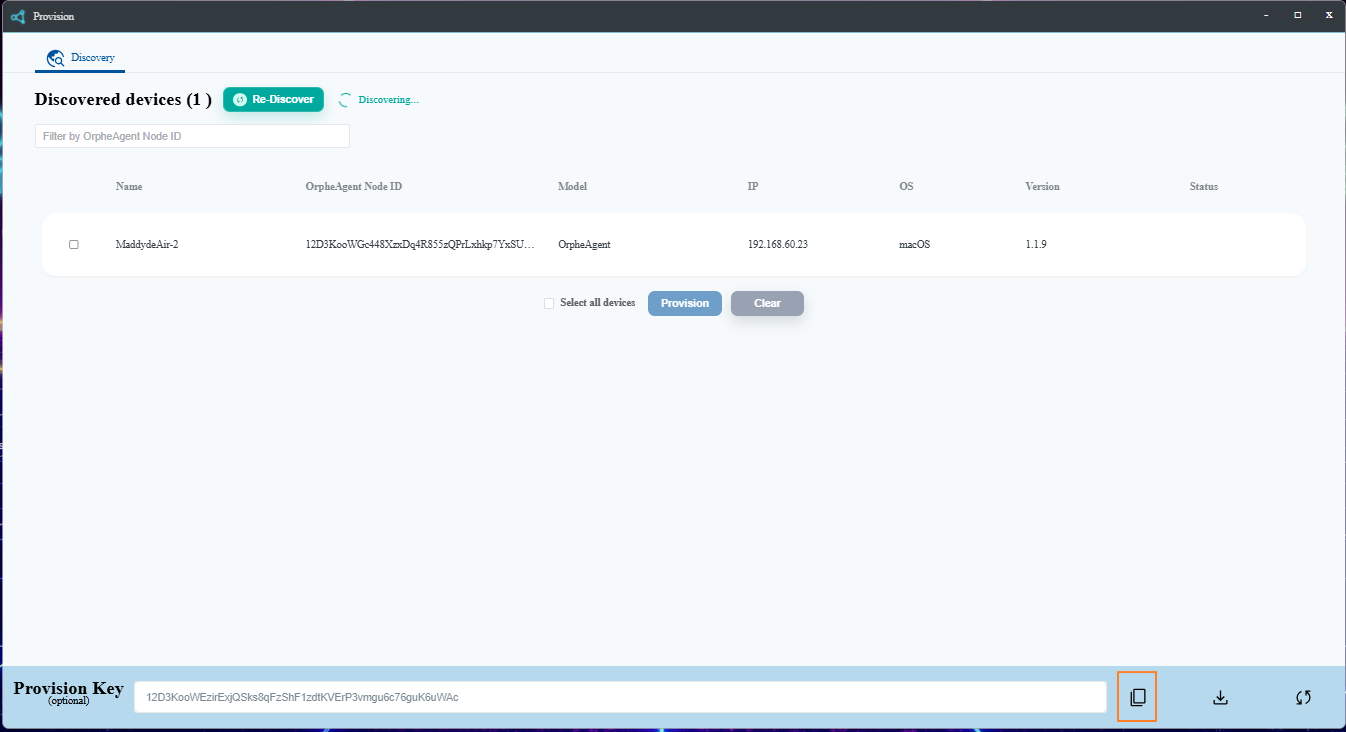
- Select the OrpheAgent device, then click the Provision button at the bottom to let OrpheLink take over management.
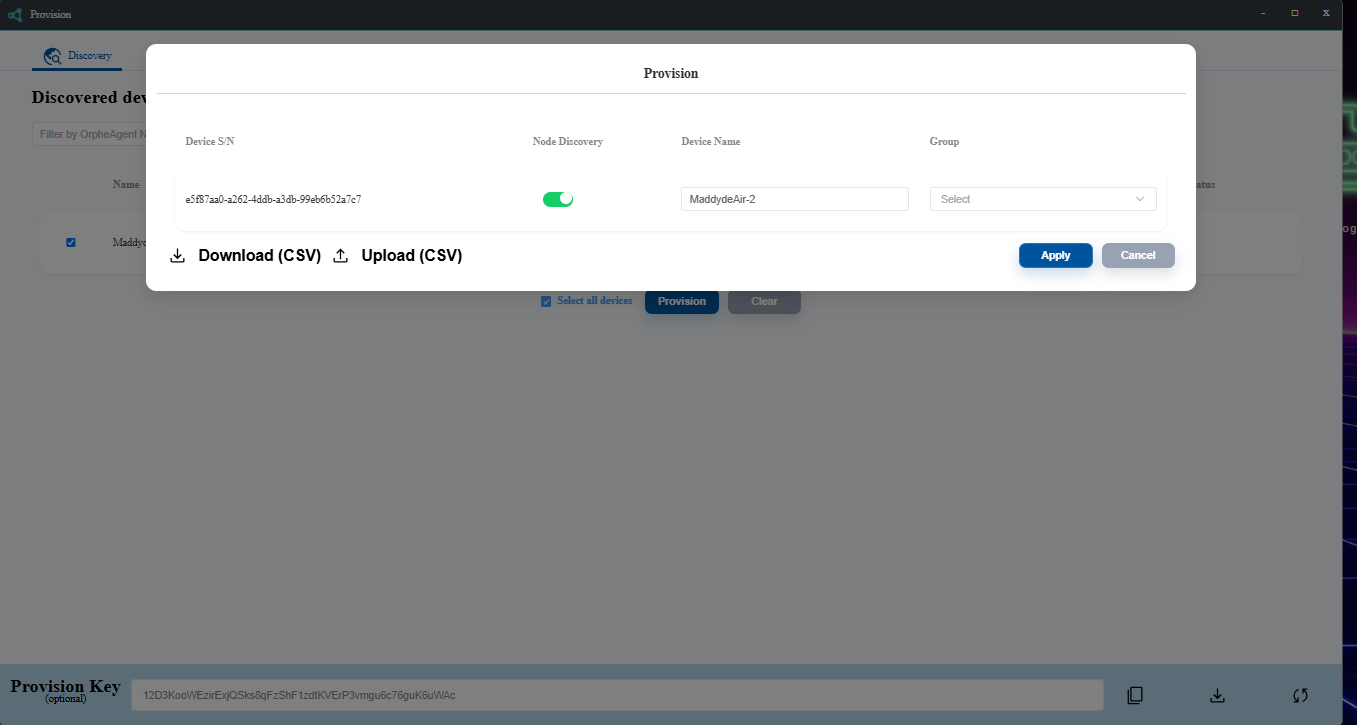
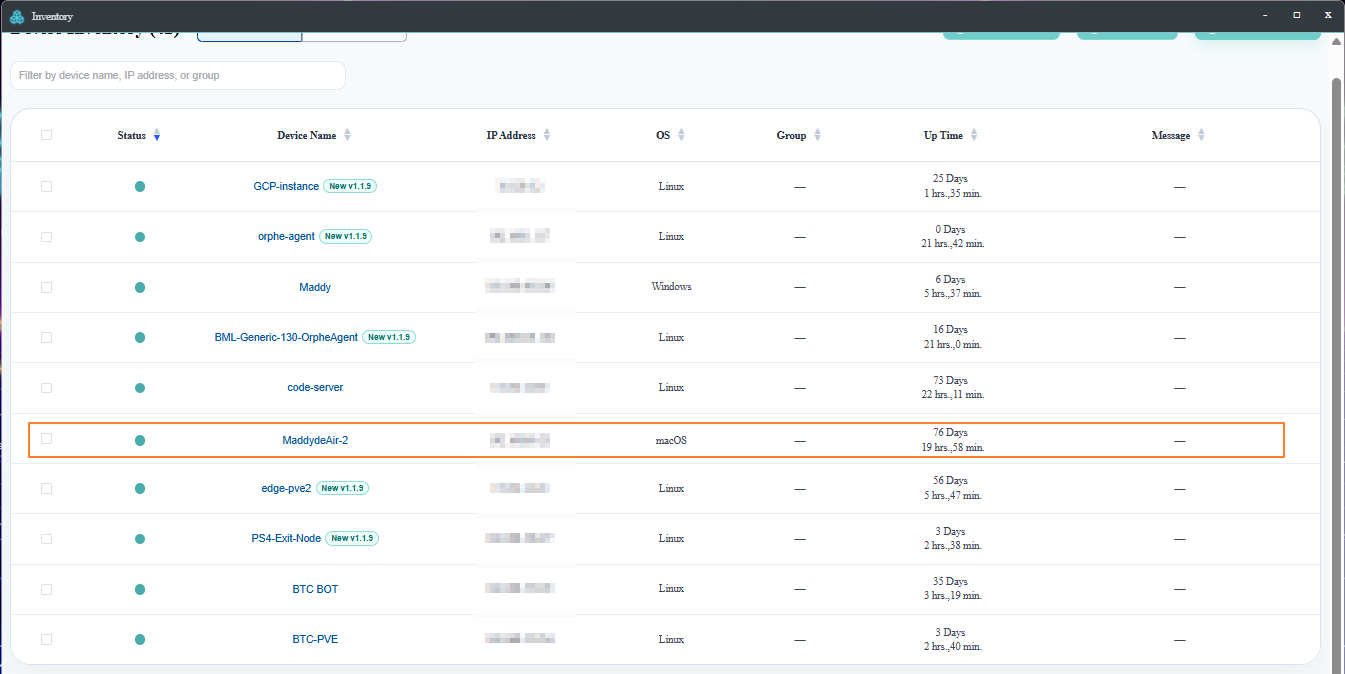
- After provisioning succeeds, you can see the device on the OrpheLink Inventory page.