oosVersion 1.0
Ethernet & LAN Issues
Troubleshooting Ethernet and LAN issues
Ethernet and LAN Issues
An IP Address Is Assigned, but the Internet Is Unreachable
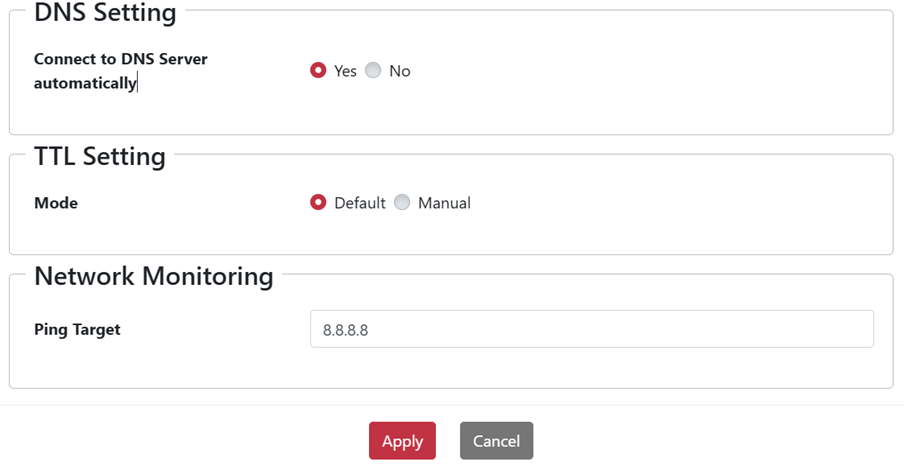
If the device obtains an IP address over Ethernet or cellular but cannot reach the internet, its Ping Target may be incorrect.
- Go to
Networking > WAN > Multiple WAN > Interface > Action. - For the public internet, use
8.8.8.8. For a private 5G network, use the local gateway IP.
The Ethernet Connection Is Unstable
If the device repeatedly switches between online and offline, the OOS and client LAN subnets may conflict.
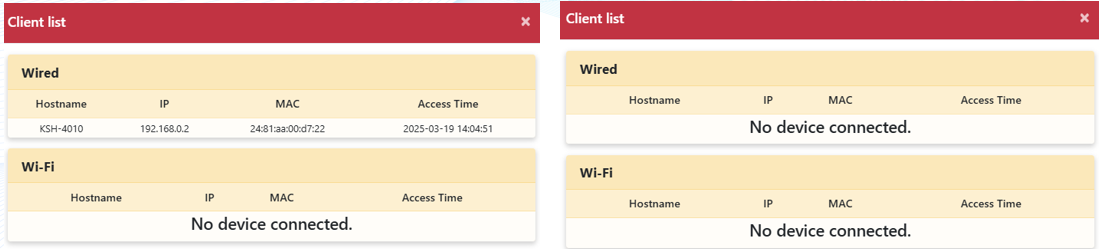
OOS uses 192.168.0.1/24 for LAN by default. If a connected device uses the same subnet, change the LAN IP range on either OOS or the client.
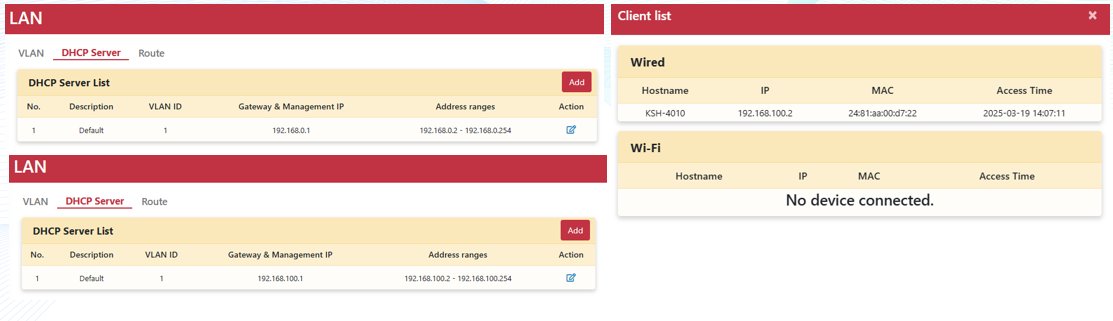
A Client Gets an IP Address from OOS but Cannot Access OOS
This is usually caused by an incorrect DHCP configuration. Access OOS through the Controller or console and correct the setting.
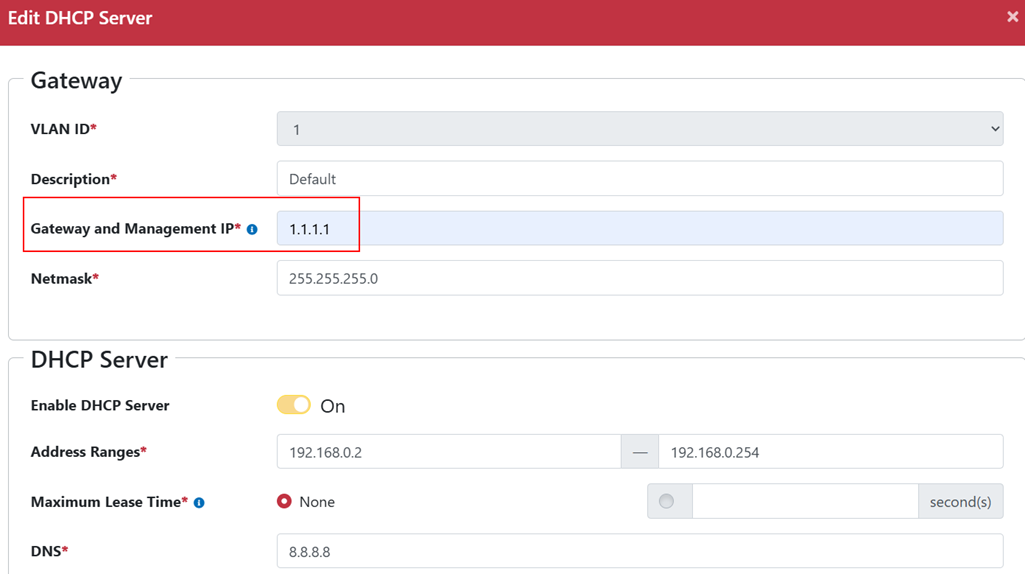
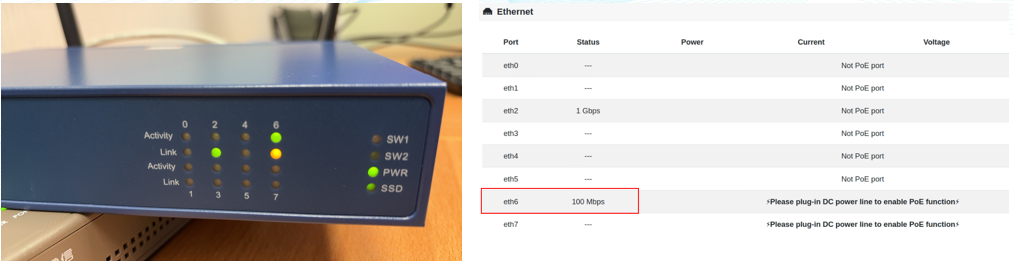
The Ethernet Cable Is Connected, but the Link Light Is Off or the Speed Drops
This may be caused by hardware compatibility between network ports:
- Try another Ethernet port.
- Place a simple switch or hub between OOS and the other device to assist link negotiation.